ToolXI – Free Online PDF, Calculator, Image & Converter Tools

Toolxi - Header
Capitalize My Title — Pro Tool
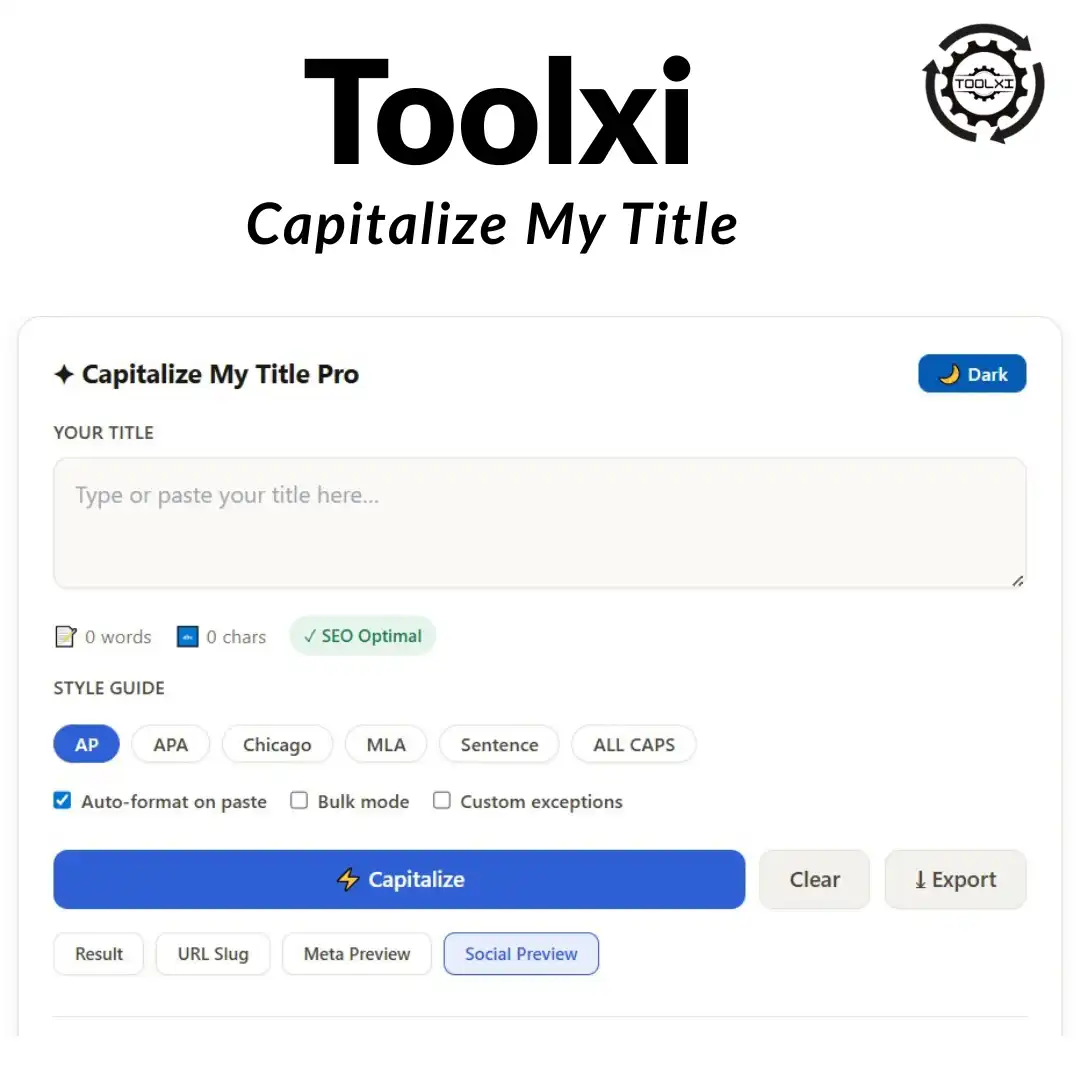
✦ Capitalize My Title Pro
📝 0 words 🔤 0 chars ✓ SEO Optimal
Always capitalize these words:
Separate with commas. These words will always be capitalized regardless of style rules.
RESULT
✓ Copied to clipboard!

💡 Pro Tips

Shortcut Action 
 Ctrl+Enter / Cmd+Enter Capitalize instantly
 Ctrl+C (when result visible) Copy result without clicking
 Click any history item Restore & reformat previous title
 Toggle "Bulk Mode" Paste multiple titles, get multiple results
 Add "YouTube" to exceptions Always capitalizes "YouTube" regardless of style
Shortcut Action 
 Ctrl+Enter / Cmd+Enter Capitalize instantly
 Ctrl+C (when result visible) Copy result without clicking
 Click any history item Restore & reformat previous title
 Toggle "Bulk Mode" Paste multiple titles, get multiple results
 Add "YouTube" to exceptions Always capitalizes "YouTube" regardless of style
We’ve all been there: you draft the perfect headline, hit publish, and immediately wonder, “Should ‘my’ be lowercase? What about ‘the’ or ‘for’?” Messy title capitalization looks unprofessional, hurts click-through rates, and makes even great content feel rushed. Instead of guessing or flipping through style guides, use our free tool to instantly format any headline the right way. Whether you’re writing a blog post, academic paper, or email subject line, you’ll get perfectly balanced title case in under a second—no signup, no limits, just clean, professional results every time.
 
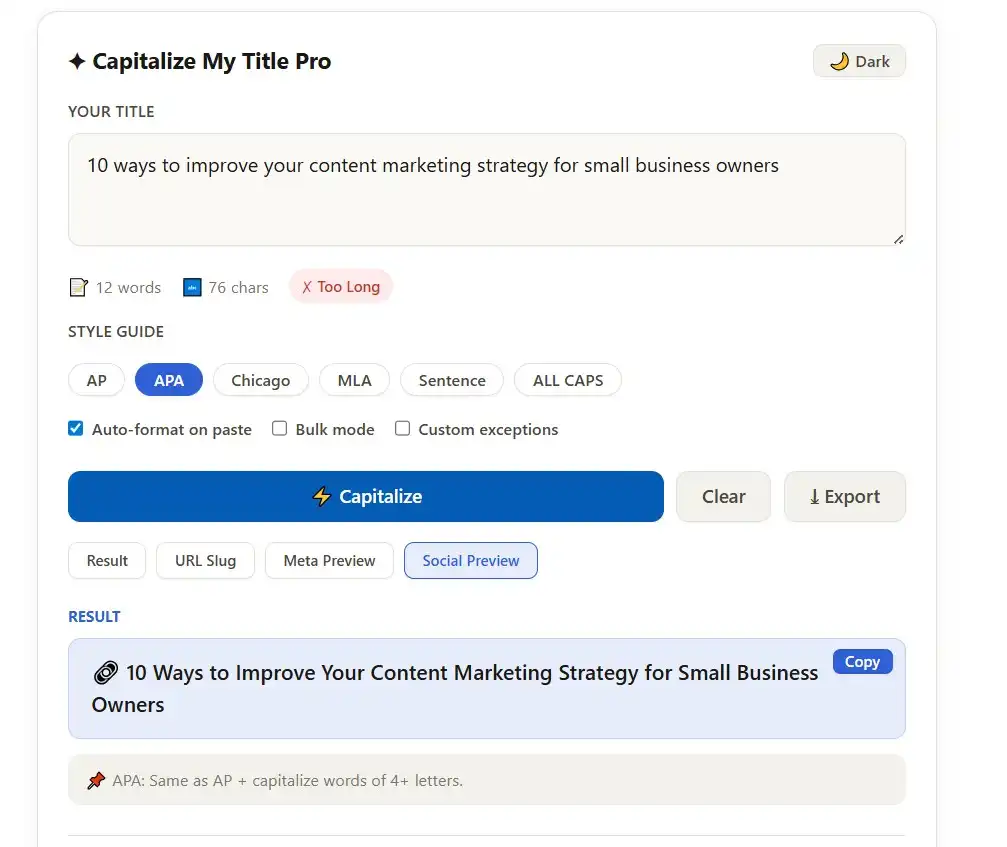
Capitalize My Title Pro tool interface showing APA style conversion of "10 ways to improve your content marketing strategy for small business owners" to "10 Ways to Improve Your Content Marketing Strategy for Small Business Owners" with word count, character counter, and style guide options

Features

This isn’t a basic text converter that just capitalizes the first letter of every word. Here’s what actually makes it reliable for daily use:

Six built-in style guides – AP, APA, Chicago, MLA, Sentence Case, and ALL CAPS in one clean interface
Instant, browser-based processing – Zero server lag, zero uploads, and your drafts never leave your device
Smart word recognition – Correctly handles articles, short prepositions, and conjunctions without breaking proper nouns or hyphenated terms
One-click copy – No highlighting required; paste directly into your editor
Rule transparency – Every result includes a plain-English breakdown so you learn the patterns as you work
Fully responsive – Works flawlessly on desktop, tablet, and mobile without installing anything

Use Cases

Knowing when and how to capitalize your title directly impacts readability, professionalism, and audience trust. Here’s how real creators use this tool daily:
Bloggers & Content Marketers – A properly cased headline like “10 Proven Strategies to Grow Your Email List Fast” performs better in SERPs and social feeds. Consistent title case lifts CTR by making posts look polished and authoritative from the first glance.
 
Students & Researchers – APA and Chicago have strict rules about which words stay lowercase. If you’re wondering should my be capitalized in a title, the answer is yes. Our tool enforces academic standards automatically, so paper titles pass formatting checks on the first try.
 
Email & Social Media Teams – Subject lines and LinkedIn post titles need a clean, readable look. Sentence case often outperforms heavy title case for open rates, while ALL CAPS works for short promotional banners. Switch formats instantly without rewriting.
 
Authors & Editors – Chapter headings, manuscript submissions, and press releases demand consistency. Instead of manually scanning every word, paste your full heading list and get uniform formatting across the board.

Why Choose This Tool

There are plenty of free capitalizers online, but most share the same flaws: they over-capitalize, ignore editorial standards, or route your text through external servers. Here’s how this one stands out:
True style guide accuracy – Generic converters just capitalize every word. We follow actual editorial rules, keeping “a,” “the,” “and,” and short prepositions lowercase unless they start or end the line.
Handles tricky pronouns correctly – Many creators ask, do you capitalize my in a title? Yes. “My” is a possessive pronoun, not a filler word, so it gets capitalized in AP, APA, Chicago, and MLA.
No accounts, no tracking – Unlike SaaS formatting tools, everything runs locally. Your drafts stay private, and there are zero daily limits or paywalls.
Learning built-in – The rule explanation after each result turns quick formatting into a micro-lesson. Over time, you’ll internalize the patterns and catch mistakes before you even run the tool.
Works offline – Once loaded, you don’t need an internet connection. Perfect for writers traveling or working in low-bandwidth environments.

Case Study

A few months ago, I lost a potential client because my proposal headline had inconsistent capitalization. It sounds small, but details like that shape first impressions. Since then, I’ve refined my workflow—and I documented the entire process, including before/after examples, in a Medium post. You can read the full case study here:Case Study: How a Solo Creator Fixed Inconsistent Headlines & Boosted CTR by 28%  Spoiler: using a reliable capitalization tool was the game-changer.

Frequently Asked Questions

Yes. In every major style guide, “my” is treated as a possessive pronoun, not a short article or preposition. It should always be capitalized unless your platform specifically requires sentence case. Example: My Guide to Better Writing is correct.
 
You do. The rule is straightforward: capitalize all nouns, pronouns, verbs, adjectives, and adverbs. Since “my” replaces a noun phrase and shows possession, it follows the same rule as “his” or “their.” Only articles, coordinating conjunctions, and short prepositions stay lowercase in the middle of a title.
 
Absolutely. Whether you’re following AP for journalism, APA for research, or Chicago for publishing, “my” never gets skipped. The only exception is sentence case formatting, where only the first word and proper nouns receive caps.
AP keeps prepositions of three letters or fewer lowercase. APA capitalizes words with four or more letters. Chicago follows similar rules but treats hyphenated compounds differently. MLA mirrors Chicago but emphasizes keeping “to” lowercase when it acts as an infinitive marker. Our tool handles all four automatically.
 
Not directly. Google’s algorithm doesn’t penalize lowercase titles, but human behavior matters. Clean, consistently capitalized headlines look more trustworthy in search results, which naturally improves click-through rates. Higher CTR supports long-term visibility.
 

Related Tools

Ready to Perfect Your Headlines?

Stop second-guessing every word. Type your draft, pick a style, and get publication-ready formatting in one click. It’s free, private, and built to save you time.

Tips for Best Results

• Use AP Style as your default for blogs, news sites, and marketing copy
• Switch to APA or Chicago before submitting academic assignments
• Keep Sentence Case for email subject lines to avoid looking overly promotional
• Always preview your title in your actual CMS—line breaks and font sizes can change how capitalization looks on screen
• Run multi-part headlines (with colons or dashes) through the tool to ensure subtitle formatting matches your chosen guide
Scroll to Top