🇺🇸 USA PDF Page Splitter – Split, Extract & Manage PDF Pages Online (Free & Easy)
✨ Smart PDF Splitter
Split your PDF instantly – fast, secure & free 🚀
📄
Drag & Drop your file here
🔒 Files are processed in your browser. No upload to server.
Why Users Trust Our Tool
- 🔒 256-bit SSL Encryption
- 🗑️ Files Auto-Deleted After Processing
- 🚫 No Data Stored
- ⚡ Fast & Secure Servers
- 🌎 Trusted by Users Worldwide
Struggling to Split PDF Files? Here’s the Easiest Solution
Handling large PDF files can be frustrating—especially when you only need specific pages. Whether you’re working with contracts, reports, or study materials, extracting the right pages quickly is essential.
That’s where a USA PDF tool for documents comes in.
With a powerful online tool, you can:
- Split large PDFs into smaller files
- Extract specific pages from PDF free
- Organize documents without installing software
Let’s explore how you can do all this effortlessly 👇
What is a USA PDF Page Splitter?
A split PDF is an online tool designed to divide PDF files into multiple smaller documents or extract selected pages.
It is especially useful for:
- Students managing notes
- Businesses handling documents
- Freelancers sharing specific file sections
👉 Best part? Most tools are 100% online and free.
Key Features of a Powerful PDF Splitter Tool
When choosing the best USA PDF tool for documents, look for these features:
✔️ Split PDF by Page Ranges Online
You can divide files like:
- Pages 1–5
- Pages 10–20
- Custom selections
This is perfect when you only need certain sections.
📌 Comparison Table
| Feature | Our Tool | Traditional Software | Other Online Tools |
|---|---|---|---|
| Free to Use | ✅ Yes | ❌ No | ⚠️ Limited |
| Split PDF by Page Ranges Online | ✅ Yes | ✅ Yes | ✅ Yes |
| Extract Specific Pages | ✅ Yes | ✅ Yes | ✅ Yes |
| No Installation | ✅ Yes | ❌ Required | ✅ Yes |
| Speed | ⚡ Fast | ⚠️ Medium | ⚡ Fast |
| Security | 🔒 High | ⚠️ Depends | ⚠️ Medium |
| Ease of Use | ⭐ Very Easy | ❌ Complex | ⚠️ Average |
📌 Real-Life Examples
📚 Student Use Case
A student can extract only required chapters from a 200-page PDF book instead of sharing the entire file.
🏢 Business Use Case
A company can split contracts and send only relevant pages to clients without exposing confidential data.
👨💻 Freelancer Use Case
Freelancers can send selected portfolio pages instead of uploading large files.
📑 Office Work
Employees can split reports and presentations into smaller documents for easier sharing.
✅ 📌 Benefits of Using a PDF Page Splitter
Using an online PDF splitter offers multiple advantages for both personal and professional use:
- ✔️ Saves Time – Instantly split large files into smaller parts
- ✔️ Easy Document Management – Organize files without confusion
- ✔️ No Software Required – Works directly in your browser
- ✔️ Secure Processing – Files are encrypted and auto-deleted
- ✔️ Free to Use – Extract specific pages from PDF free without cost
- ✔️ Works on All Devices – Mobile, tablet, or desktop
👉 This makes it a powerful USA PDF tool for documents for everyday use.
✔️ Extract Specific Pages from PDF Free
Instead of splitting everything, you can:
- Pick individual pages
- Download only what you need
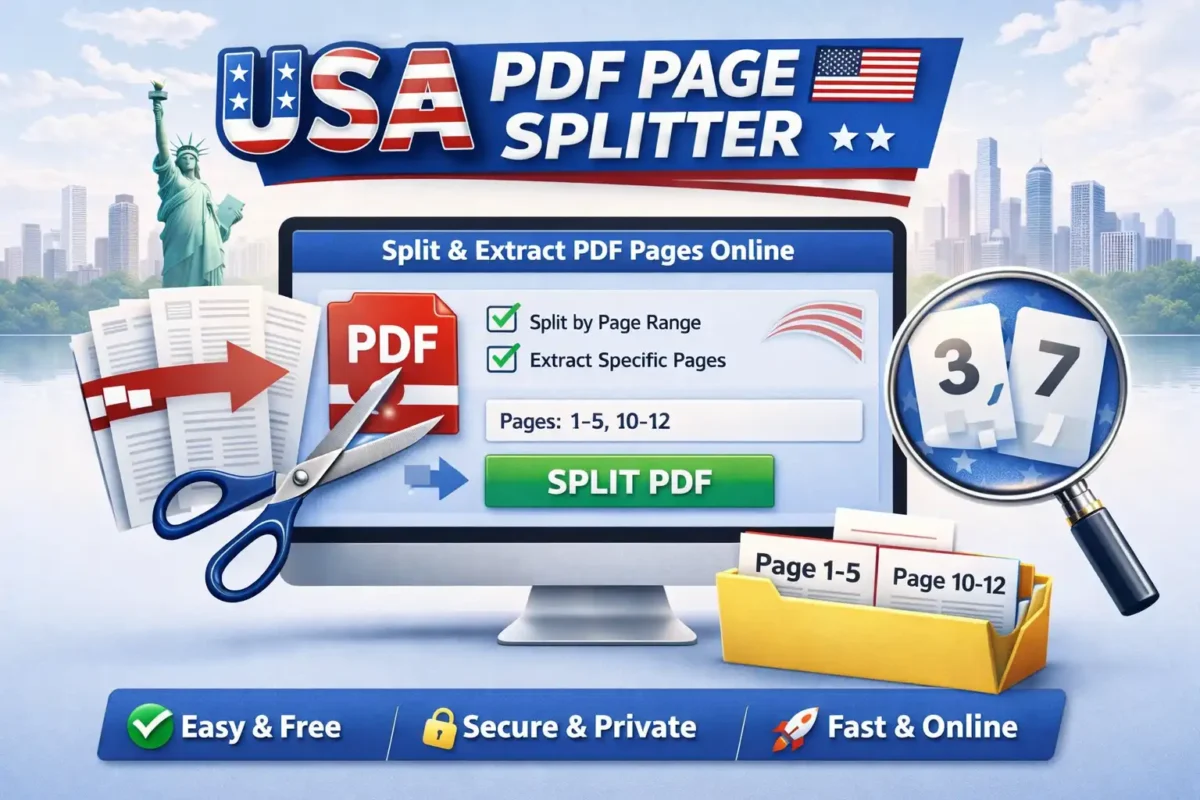
👉 Example: Extract page 3 and 7 from a 50-page document.
✔️ Drag & Drop Upload
Modern tools offer:
- Easy drag-and-drop interface
- Multiple file uploads
- Fast processing
✔️ Secure & Private
Top tools ensure:
- File encryption
- Auto-deletion after processing
- No data storage
How to Split PDF by Page Ranges Online (Step-by-Step)
Follow these simple steps:
Step 1: Upload Your PDF File
Go to your tool page (example:
Step 2: Select Split Option
Choose:
- Split by page ranges
- Extract pages
Step 3: Enter Page Numbers
Example:
- 1–5
- 6–10
Step 4: Click “Split PDF”
The tool will process instantly.
Step 5: Download Files
Get your separated PDFs in seconds.
Trusted by 10,000+ users for secure PDF file processing.
Why Use an Online PDF Splitter Instead of Software?
| Feature | Online Tool | Installed Software |
|---|---|---|
| Ease of Use | ✅ Very Easy | ❌ Complex |
| Installation | ❌ Not Required | ✅ Required |
| Speed | ✅ Fast | ⚠️ Depends |
| Accessibility | ✅ Anywhere | ❌ Device-specific |
🌍 Best Use Cases for PDF Splitting
📚 Students
- Extract chapters from study materials
- Submit only required pages
🏢 Businesses
- Share contracts without confidential sections
- Split invoices and reports
👨💻 Freelancers
- Send portfolio pages
- Deliver project-specific documents
Here are some trusted platforms:
https://www.ilovepdf.com/split_pdf
❓ FAQs – USA PDF Page Splitter
Yes, most tools allow you to split PDFs and extract pages for free.
Absolutely. You can select custom ranges like 1–5 or 10–20 easily.
Reputable tools use encryption and delete files after processing.
Upload your file → select pages → click extract → download.
No, online tools work directly in your browser.
The easiest way is to use an online tool where you upload your file, select page ranges, and download the result instantly.
Yes, you can choose specific pages and download them separately without splitting the entire document.
No, splitting a PDF does not affect the quality of the document.
Yes, the tool works perfectly on smartphones, tablets, and desktops.
No, you can use the tool without signing up.
Most files are processed within seconds depending on size.
Most tools support large files, but limits may vary depending on server capacity.
🧠 Final Thoughts
A split PDF by page ranges online is an essential tool for anyone working with digital documents.
Whether you want to:
- Split PDF by page ranges online
- Extract specific pages from PDF free
- Manage documents efficiently
👉 This tool saves time, effort, and boosts productivity.
🔥 Ready to Split Your PDF?
👉 Try your tool now:
https://toolxi.com/pdf-splitter
📌 Bonus Tip: Improve Your PDF Workflow
Using a smart PDF splitter not only helps you extract pages but also improves document organization. You can quickly manage files, reduce clutter, and share only relevant sections with others—saving time and boosting productivity.