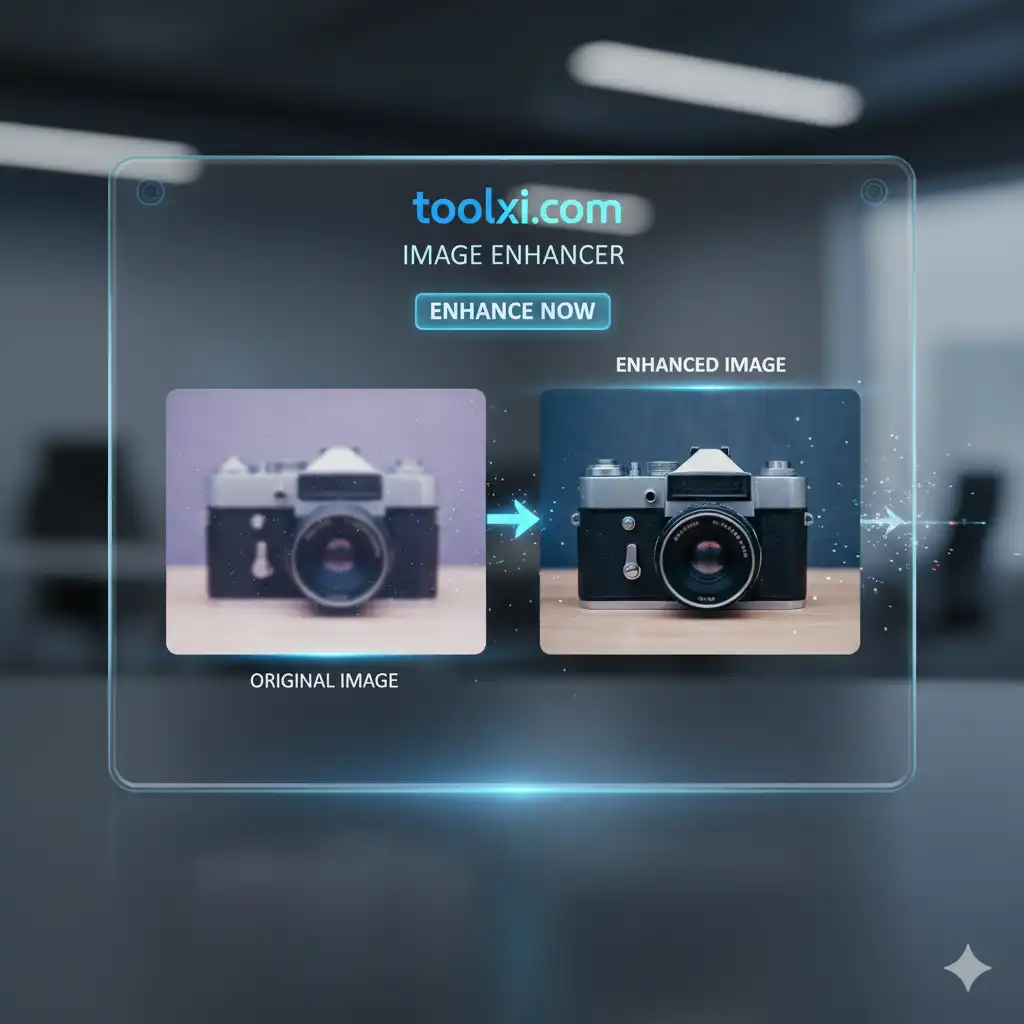
Online Image Enhancer for Social Media Posts
Professional Image Enhancer
Improve your images with advanced processing tools
Drag & drop your image here or click to browse
Processed Result

Original

Processed
Image Correction Tools
- Automatically adjust brightness, contrast, and color balance
- Reduce noise and graininess for cleaner images
- Fix blurry photos with advanced sharpening algorithms
Image Upscaling
- Upscale images up to 2x with interpolation techniques
- Improve low-resolution images for better display
Portrait Enhancement
- Skin smoothing and blemish reduction
- Red-eye correction and exposure adjustment
Background Processing
- Background noise reduction
- Edge enhancement for sharper results
Batch Processing
- Process multiple images simultaneously
- Supports JPG, PNG, WebP, BMP, and TIFF formats
Fast & Easy to Use
- 100% browser-based - no installation needed
- Works on all devices including mobile and tablet

- AI-powered online image enhancer for Facebook photos
- best online image enhancer for LinkedIn profile pictures
- free online image enhancer for Pinterest images
- one-click online image enhancer for social media stories
- AI online image enhancer for YouTube thumbnails
- best free online image enhancer for WhatsApp status photos
- online image enhancer tool for high resolution social media posts
- fast online image enhancer for TikTok and Reels photos
- professional online image enhancer for e-commerce product posts
- mobile-friendly online image enhancer for social media content
- AI-based online image enhancer for personal branding photos
Frequently Asked Questions (FAQ)
What is an online image enhancer for social media posts?
An online free image enhancer for social media posts is a web-based tool that improves the quality of your images by adjusting various parameters like brightness, contrast, sharpness, and resolution. These tools are designed to be user-friendly and accessible from any browser.
Do I need to pay for an online image enhancer?
Many tools, like the one offered by TOLXI.COM, are completely free to use. They provide powerful enhancement features without any cost, making them a great option for individuals and small businesses.
How does an image enhancer work to fix blurry photos?
An image enhancer for social media posts often uses advanced sharpening algorithms and AI technology to detect and correct blur. It can analyze the image and apply intelligent corrections to make the details clearer and the photo appear sharper.
Is an enhanced image better for SEO?
Yes! Search engines prioritize websites with fast loading times and a good user experience. By using an online image enhancer and then a compressor, you can ensure your visuals are high-quality yet optimized for performance. This combination improves page speed, which is a key SEO ranking factor.
Can I use a desktop program instead of an online one?
You can, but desktop programs often require installation and can be more complex to use. An online free image enhancer for social media posts is convenient, accessible from any device, and ideal for quick, on-the-go editing.
Editing Image by Background Removers & Cropping tools before Using Image Enhancers.