Image Compressor Tool (Reduce Image Size Without Losing Quality)
Introduction
Images are essential for websites, but large image sizes can slow down your site and hurt SEO rankings. That’s where an Image Compressor Tool becomes important.
Our free tool helps you compress images online without losing quality, making your website faster, more user-friendly, and SEO optimized.
What is an Image Compressor Tool?
An image compressor tool reduces the file size of an image while maintaining acceptable quality.
It works by:
- Removing unnecessary data
- Optimizing image structure
- Applying smart compression algorithms
👉 Result: Smaller file size + fast loading speed
Why Use an Image Compressor?
✅ 1. Improve Website Speed
Faster websites rank higher on Google.
✅ 2. Better SEO Ranking
Page speed is a ranking factor → compressed images help boost rankings.
✅ 3. Save Storage Space
Smaller images = less server storage.
✅ 4. Faster Upload & Sharing
Quick uploads on websites and social media.
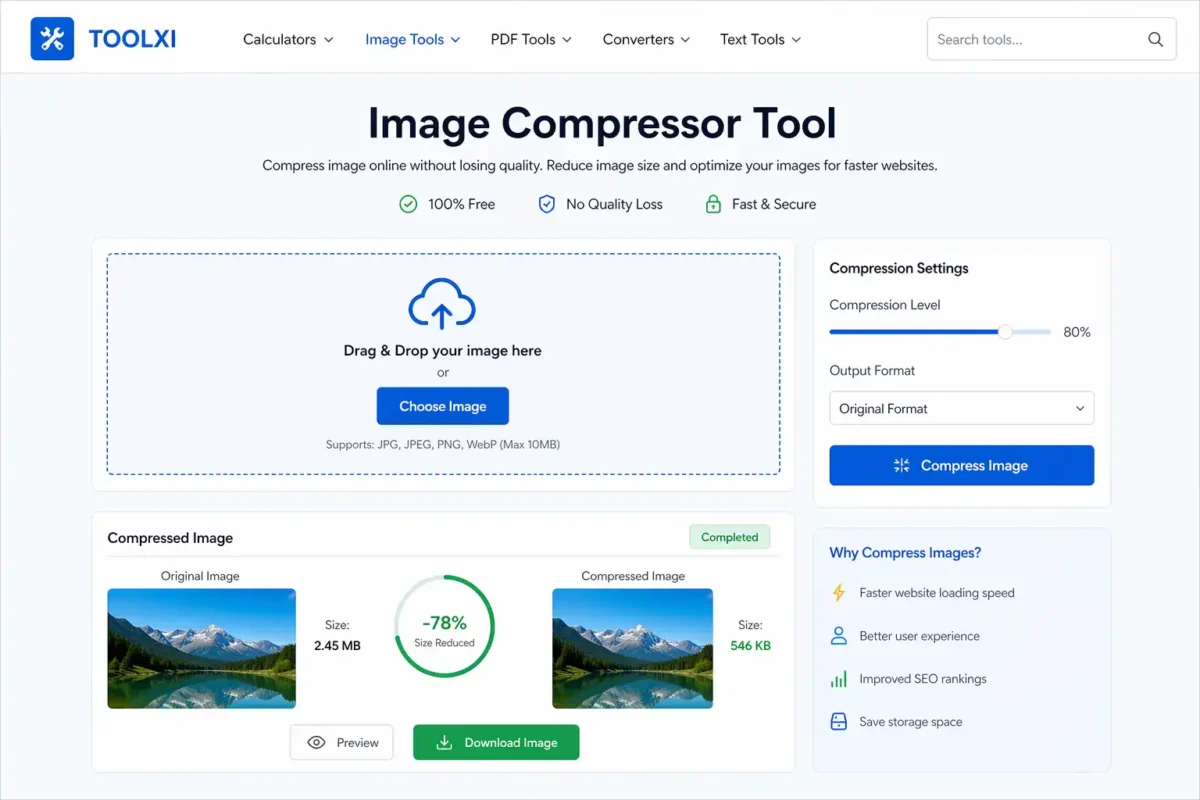
Features of Our Image Compressor Tool
- 🔹 100% Free to Use
- 🔹 No Signup Required
- 🔹 Supports JPG, PNG, WebP
- 🔹 Lossless Compression
- 🔹 Fast Processing
- 🔹 Secure File Handling
How to Compress Images Online (Step-by-Step)
- Upload your image file
- Choose compression level
- Click on “Compress Image”
- Download the optimized image
👉 It takes only a few seconds!
Types of Image Compression
Lossy Compression
- Reduces file size significantly
- Slight quality loss
🔹 Lossless Compression
- Keeps original quality intact
- Slightly larger file size
👉 Our tool uses smart compression for best results.
Best Use Cases
- Website optimization
- Blog image compression
- E-commerce product images
- Social media uploads
- Email attachments
❓ FAQs
Yes, it is completely free to use.
Our tool uses smart compression to maintain high quality.
JPG, PNG, and WebP formats are supported.
Yes, your files are secure and not stored permanently.
🎯 Conclusion
Using an Image Compressor Tool is one of the easiest ways to improve your website performance and SEO.
👉 Start compressing your images now and boost your website speed instantly!