Compress Image to 100KB Online Free – Fast & Secure
Need to reduce your image file size to exactly 100KB? Our free online compressor helps you shrink JPG, PNG, and WEBP images without noticeable quality loss. Perfect for email attachments, web uploads, and social media.
⚡ Quick Answer
To compress an image to 100KB, simply open our dedicated Image Compressor tool, upload your file, adjust the quality slider until you reach your target size, and download the optimized image. Our advanced algorithm maintains visual clarity while reducing file size by up to 90%.
🎯 Ready to Compress Your Image to 100KB?
Use our dedicated, lightning-fast Image Compressor tool to reduce any file to exactly 100KB in seconds.
✓ 100% Free | ✓ No Registration | ✓ Secure Client-Side Processing | ✓ No Watermarks
What Does "Compress Image to 100KB" Mean?
Compressing an image to 100KB means reducing its file size to exactly or approximately 100 kilobytes while maintaining acceptable visual quality. This process is essential when you have strict file size limitations, such as:
- Email attachment limits (many services cap at 100KB-25MB)
- Website upload requirements
- Social media profile pictures
- Document submissions with size restrictions
- Mobile app data constraints
Our free image compressor uses advanced lossy and lossless compression algorithms to achieve your target file size without compromising image clarity.
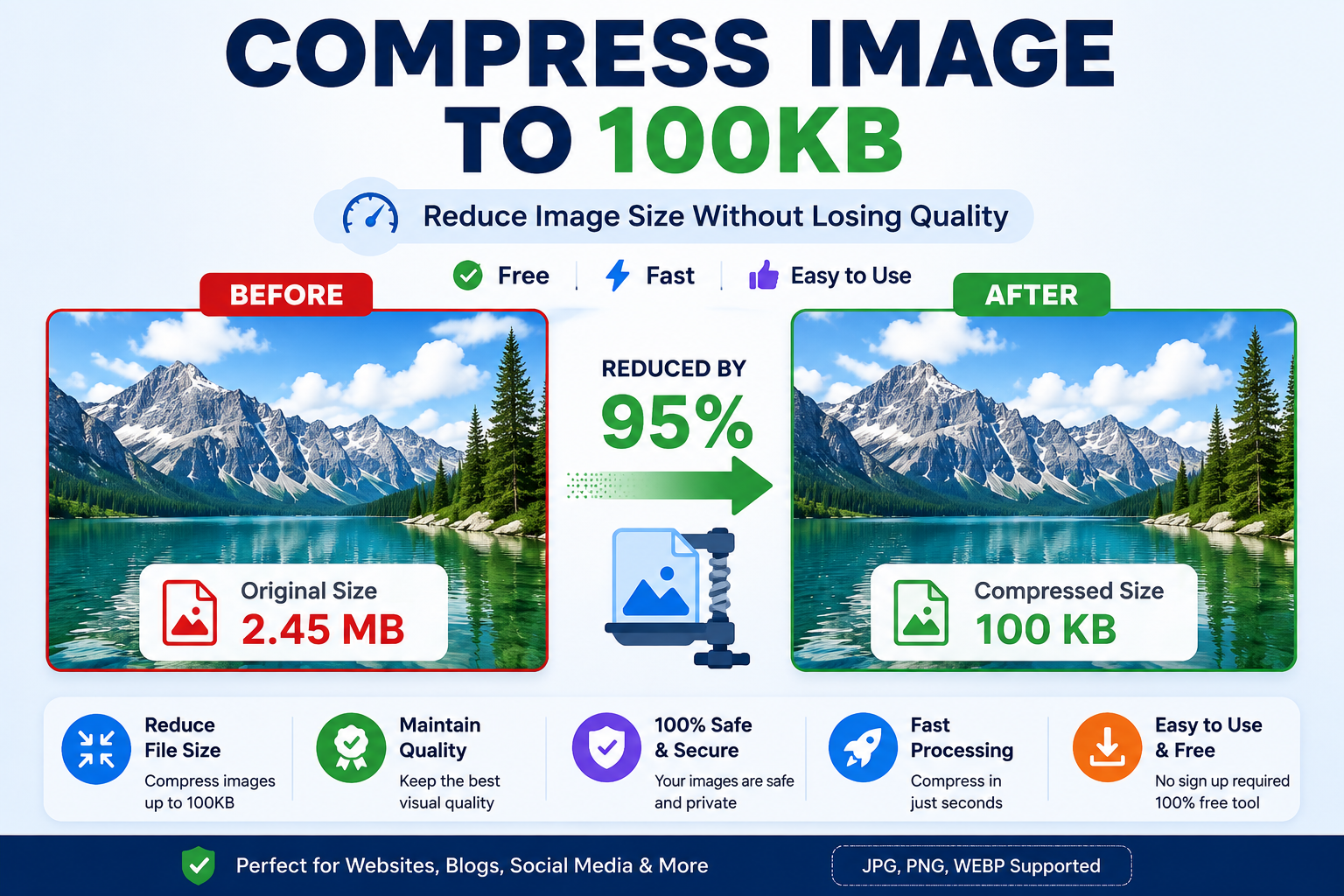
Visual comparison: Original 2MB image compressed to 100KB (95% reduction)
Why Should You Compress Images to 100KB?
Email Limitations
Many email providers and corporate systems restrict attachments. Compressing to 100KB ensures your images get through without bouncing.
Learn how →Faster Loading
Smaller images load faster on websites, improving user experience and SEO rankings. Google prioritizes fast-loading pages.
See best practices →Storage Savings
Reduce cloud storage costs and save space on your devices. 100KB images take up 95% less space than uncompressed photos.
Explore benefits →Mobile Optimization
Perfect for mobile apps and responsive websites where bandwidth and data usage matter.
View features →Benefits of Using Our 100KB Image Compressor
🎯 Precise Size Control
Unlike other tools that offer vague compression levels, our compressor lets you target exactly 100KB. You'll know precisely what you're getting before downloading.
🔒 100% Secure & Private
Your images are processed in your browser using client-side technology. Files never leave your device, ensuring complete privacy and security. Learn more about security →
⚡ Lightning Fast
Compress images in seconds, not minutes. Our optimized algorithm processes files instantly without uploading to external servers.
🎨 Quality Preservation
Advanced compression maintains visual quality. Our smart algorithm identifies which parts of the image can be compressed more aggressively without visible quality loss.
🆓 No Registration Required
Start compressing immediately. No sign-ups, no email addresses, no hidden fees. Completely free forever.
Powerful Features of ToolXI Image Compressor
Real-Time Preview
See your compressed image before downloading. Compare side-by-side with the original to ensure quality meets your standards.
Batch Processing
Compress multiple images simultaneously. Save time by processing up to 20 images at once, all targeting 100KB.
Smart Compression Algorithm
Our AI-powered system analyzes each image individually, applying the optimal compression technique for maximum quality retention.
Format Conversion
Convert between JPG, PNG, and WEBP while compressing. Choose the best format for your specific use case.
Mobile Responsive
Compress images on any device – desktop, tablet, or smartphone. Our interface adapts perfectly to any screen size.
How Our Image Compression Technology Works
Understanding the technology behind image compression helps you make better decisions about when and how to use it.
The Compression Process:
- Analysis: The algorithm analyzes your image's color depth, dimensions, and complexity.
- Optimization: It applies JPEG quantization, PNG filtering, or WEBP encoding based on your format.
- Size Adjustment: Iterative compression continues until reaching the 100KB target.
- Quality Check: Final verification ensures the image meets quality standards.

Step-by-Step Guide: How to Compress Images to 100KB
Open the Tool & Upload
Click here to open our Image Compressor. Drag and drop your file into the upload area, or click to browse. We support JPG, PNG, WEBP, and other common formats up to 10MB.
Set Target Size
The tool automatically targets 100KB, but you can adjust using the quality slider if needed. Watch the file size indicator update in real-time.
Preview Changes
Review the compressed image in our preview window. Zoom in to check details and ensure quality meets your requirements.
Download Optimized Image
Click the download button to save your 100KB image. The file will be named with a "_compressed" suffix to distinguish it from the original.
Supported File Formats
| Format | Max Size | Best For | Compression Ratio |
|---|---|---|---|
| JPG/JPEG | 10MB | Photographs, complex images | Up to 95% |
| PNG | 10MB | Graphics with transparency | Up to 80% |
| WEBP | 10MB | Modern web optimization | Up to 90% |
| GIF | 5MB | Simple animations | Up to 70% |
| BMP | 10MB | Uncompressed images | Up to 95% |
For more information about image formats, check out our guide on choosing the right image format.
Best Practices for 100KB Image Compression
📐 Resize Before Compressing
If your image dimensions are huge (e.g., 4000x3000px), resize it first to your target display size. A 1000px wide image compressed to 100KB will look much better than a 4000px image.
Try our image resizer →🎨 Choose the Right Format
Use JPG for photographs, PNG for graphics with text or transparency, and WEBP for modern web applications. Each format compresses differently.
See format comparison →🔍 Check Quality at 100%
Always zoom to 100% when previewing compressed images. What looks good at 50% zoom might show artifacts at full size.
💾 Keep Originals
Always save your original high-quality images. Compression is irreversible, so maintain a backup of uncompressed versions.
Common Mistakes to Avoid
❌ Over-Compressing
Trying to force a complex image into 100KB can result in visible artifacts, blockiness, and color banding. If quality suffers, consider if 100KB is realistic for that particular image.
❌ Ignoring Dimensions
Compressing a 5000px wide image to 100KB will destroy quality. Resize dimensions first, then compress.
❌ Wrong Format Choice
Using PNG for photographs or JPG for text-based graphics leads to poor compression ratios and quality loss.
❌ Not Previewing
Always check the compressed result before using it. What looks acceptable in a thumbnail might be unusable at full size.
ToolXI vs. Other Image Compression Tools
| Feature | ToolXI | TinyPNG | CompressJPEG | iLoveIMG |
|---|---|---|---|---|
| Exact 100KB Target | ✓ Yes | ✗ No | ✗ No | ✗ No |
| Free to Use | ✓ Unlimited | ✓ Limited | ✓ Yes | ✓ Limited |
| No Registration | ✓ Yes | ✓ Yes | ✓ Yes | ✗ Required |
| Privacy (Client-Side) | ✓ Yes | ✗ Server | ✗ Server | ✗ Server |
| Batch Processing | ✓ 20 images | ✓ 20 images | ✓ Yes | ✓ Yes |
| Format Support | ✓ 5+ formats | ✓ PNG/JPG | ✓ JPG only | ✓ Multiple |
| Quality Preview | ✓ Yes | ✗ No | ✗ No | ✗ No |
Advantages and Limitations
Pros
- Targets exact 100KB file size
- 100% free with no limitations
- No registration required
- Processes images locally (privacy)
- Supports multiple formats
- Real-time quality preview
- Batch processing capability
- Mobile-friendly interface
- No watermarks added
- Fast processing speed
Cons
- Requires modern browser
- Maximum 10MB file size
- Internet connection needed
- Some quality loss inevitable
- Not suitable for print-quality needs
What Users Say About ToolXI
"Finally found a tool that actually compresses to exactly 100KB! Perfect for my email attachments. The quality is surprisingly good."
- Jennifer M., Marketing Manager"I use this daily for my e-commerce site. Compressing product images to 100KB has improved my page load speed dramatically."
- David K., Web Developer"Love that it works entirely in my browser. No uploading sensitive images to random servers. Fast, free, and secure!"
- Sarah L., PhotographerFrequently Asked Questions (FAQs)
Open our Image Compressor, upload your file, and it will automatically target 100KB. Use the quality slider to fine-tune if needed. The tool shows real-time file size, so you'll know exactly when you've reached 100KB.
Some quality reduction is inevitable when compressing to 100KB, especially from large files. However, our smart algorithm minimizes visible quality loss. Always preview before downloading to ensure it meets your needs.
Yes! ToolXI's image compressor is 100% free with no hidden fees, no registration required, and no daily limits. You can compress as many images as you need.
We support JPG, JPEG, PNG, WEBP, GIF, and BMP formats. You can compress any of these formats to 100KB, and even convert between formats during compression.
Absolutely! Our tool processes images entirely in your browser using client-side technology. Your files never leave your device or get uploaded to any server, ensuring complete privacy.
Yes! Our batch processing feature allows you to compress up to 20 images simultaneously, all targeting 100KB. This saves significant time when working with multiple files.
You can compress images up to 10MB in size. For larger files, we recommend resizing the dimensions first using our image resizer tool, then compressing to 100KB.
If an image is very large (e.g., 20MB) or has high dimensions, compressing to 100KB requires significant data reduction. Try resizing the image dimensions first, then compressing. Some images simply can't reach 100KB while maintaining acceptable quality.
Yes! ToolXI is fully responsive and works perfectly on smartphones and tablets. The interface adapts to any screen size, making it easy to compress images on the go.
Absolutely! You can use ToolXI for personal, business, or commercial projects. There are no restrictions on how you use the compressed images.
Our tool works on all modern browsers including Chrome, Firefox, Safari, Edge, and Opera. We recommend using the latest version for best performance.
Unlike TinyPNG which uses server-side processing, ToolXI compresses images locally in your browser for better privacy. We also offer exact 100KB targeting, which TinyPNG doesn't provide.
Our tool doesn't support RAW formats (CR2, NEF, ARW, etc.). Convert RAW files to JPG or PNG first, then use our compressor to reach 100KB.
No limits! Compress as many images as you need, whenever you need. ToolXI is completely free with unlimited usage.
If your image is already smaller than 100KB, the tool will maintain the original quality without unnecessary compression. You'll still get an optimized file.
Yes, but compressing animated GIFs to 100KB is challenging. You may need to reduce frames, dimensions, or colors significantly. Consider converting to video format for better compression.
No watermarks ever! Your compressed images are clean and ready to use. We never add branding or watermarks to your files.
Start with an appropriately sized image (not too large in dimensions), choose the right format (JPG for photos, PNG for graphics), and use our quality preview to find the sweet spot between size and quality.
Our tool requires an internet connection to load, but once loaded, the compression happens locally in your browser without sending data to servers.
While we specialize in 100KB compression, you can use the quality slider to achieve different file sizes. For more specific size requirements, check out our other compression tools.
Ready to Compress Your Images?
Join thousands of satisfied users who trust ToolXI for their image compression needs. Fast, free, and secure.
Open Image Compressor Now – It's Free!No registration • No watermarks • 100% free
Final Thoughts
Compressing images to 100KB doesn't have to be complicated. With ToolXI's free online Image Compressor, you can reduce file sizes quickly while maintaining quality. Whether you're preparing images for email, web, or social media, our compressor delivers professional results without the professional price tag.
Remember to follow best practices: resize dimensions first, choose the right format, and always preview before downloading. With these tips and our powerful compression technology, you'll achieve the perfect balance between file size and image quality every time.
Ready to optimize your images? Open our Image Compressor now – it's completely free and takes just seconds!
References & Further Reading

About toolxi.com
Your all-in-one digital toolkit
“Hi, I’m Prachi , creator of toolxi.com…” your free, no-nonsense solution for everyday digital tasks. I’m designed to simplify your workflow with intuitive tools for calculations, PDF manipulation, image editing, text processing, and more. Whether you’re a student, professional, or creator, my goal is to save you time and effort with reliable, browser-based utilities that require zero installation or signup. I’m constantly evolving based on your needs, so feel free to explore and transform how you work online! Try our top tool → Toolxi.com